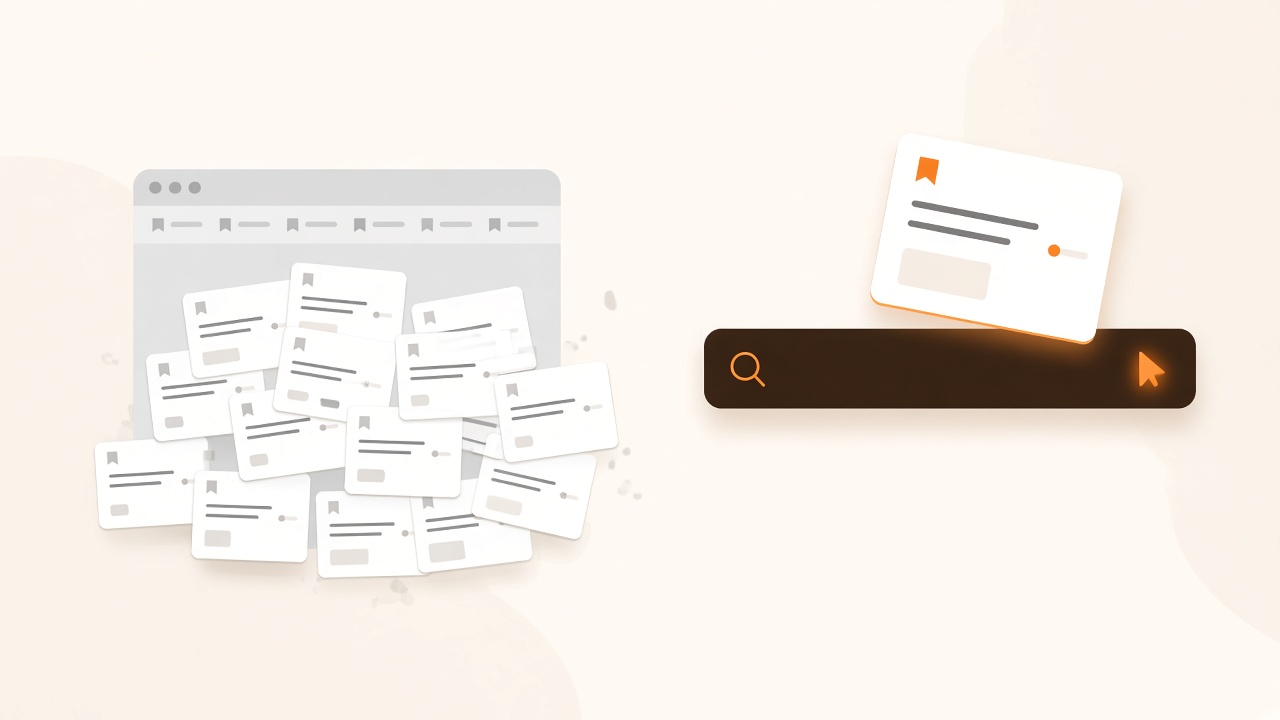
The graveyard isn't caused by saving too much
Why can't I find the links I bookmark? Because you remember the idea, not the title. Chrome search, folders, and most bookmark apps look for keywords you typed at save-time. Weeks later you ask for "the restaurant with the neon sign" — and nothing matches, even though the link is sitting there.
Saving is the easy part. A share sheet, a star, a screenshot of a URL. Retrieval is the part nobody designed for. You don't come back with the headline. You come back with a scene: the garlic pasta, the watch from that Instagram account, the cheesecake someone said you had to try.
Is this a bookmarking problem or a search problem? A retrieval problem. Saving is easy. Finding is the part that breaks. More folders, tags, and read-later queues don't help if search still needs the exact words from the page title.
That's why "I'll just be more organized next month" never sticks. The next month looks like this month: you capture under time pressure, then search with the wrong kind of memory. We wrote about that filing trap in Why Most Second Brains Fail.
Keyword search is the wrong tool for your own links
Why doesn't keyword search work for bookmarks? Keyword search matches strings. Your memory doesn't. You rarely remember the headline, the domain, or the tag you meant to add. You remember a scene, a vibe, or half a sentence. AI search finds by meaning, so you can describe the link instead of naming it.
Chrome's bookmark search is a filter on titles and URLs. Pocket and most "read later" apps are the same idea with a prettier queue. If the word in your head isn't the word on the page, you get zero results — then you assume you never saved it, and you google it again.
A personal search engine points search at your saves, not the public web. You ask in the language you actually use. "The cast-iron pizza from Instagram." "That TAG Heuer post." The engine maps the description to the link, even if you never typed those words when you saved it.
Folders and tags don't fix retrieval
Do I still need folders and tags? Not if retrieval works. Filing is unpaid labor you do at the worst moment — when you're trying to capture something before it disappears. A personal search engine lets you dump the link and ask for it later in your own words.
Bookmark libraries like Raindrop.io are excellent if you enjoy collections and tags. Visual savers like mymind are excellent if you like browsing a grid. Both still assume you'll recognize the thing when you see it, or that you'll remember which bucket you put it in. That's filing. Retrieval is different: you describe it, it comes back.
If you have to maintain a taxonomy for search to work, you don't have search. You have a part-time job.
The loop that actually works: save, then describe
Recall 9 is built around that loop. Save a link from the share sheet or Chrome extension in one tap. Don't name a folder. Don't write a perfect title. Later, ask the way you'd ask a friend.
- Capture the link. Instagram, Reddit, YouTube, an article, a product page. One tap.
- Leave it messy. It sits with notes, photos, and voice memos. No filing required.
- Describe it later. "The neon-sign restaurant." "The deep-dish pizza recipe."
- Get it back by meaning. AI search matches the idea, not the keyword you forgot.
That's it. You didn't need a better bookmark bar. You needed search that speaks human, pointed at the links you already kept. Download Recall 9 and try asking for something you saved last week — without using the title.